

New features for Miner Keeper: version 1.1 has been released for both the hardware and the Android app.
Read the latest updates for the board and the app which bring improvements over the previous version.
Hardware board
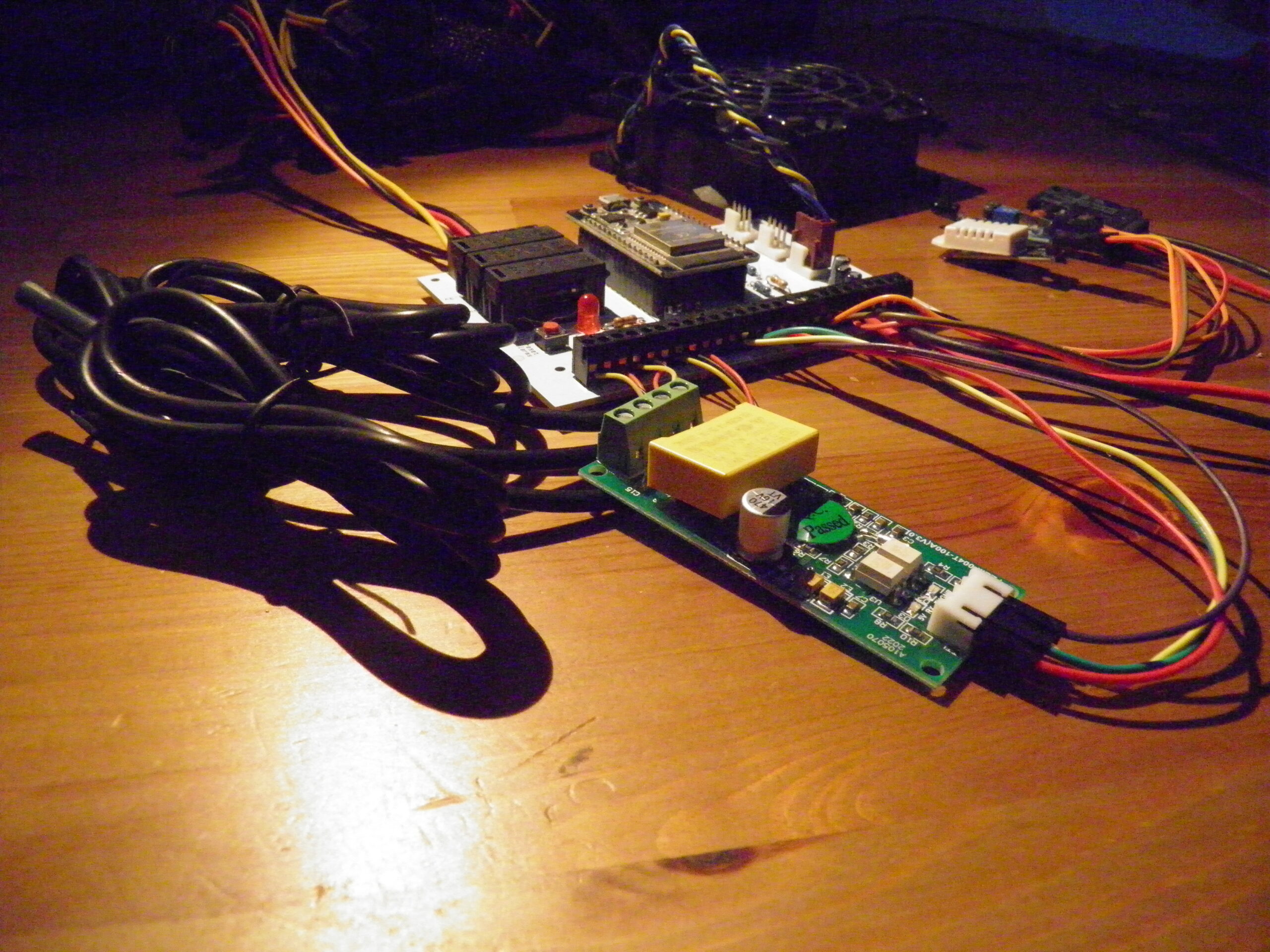
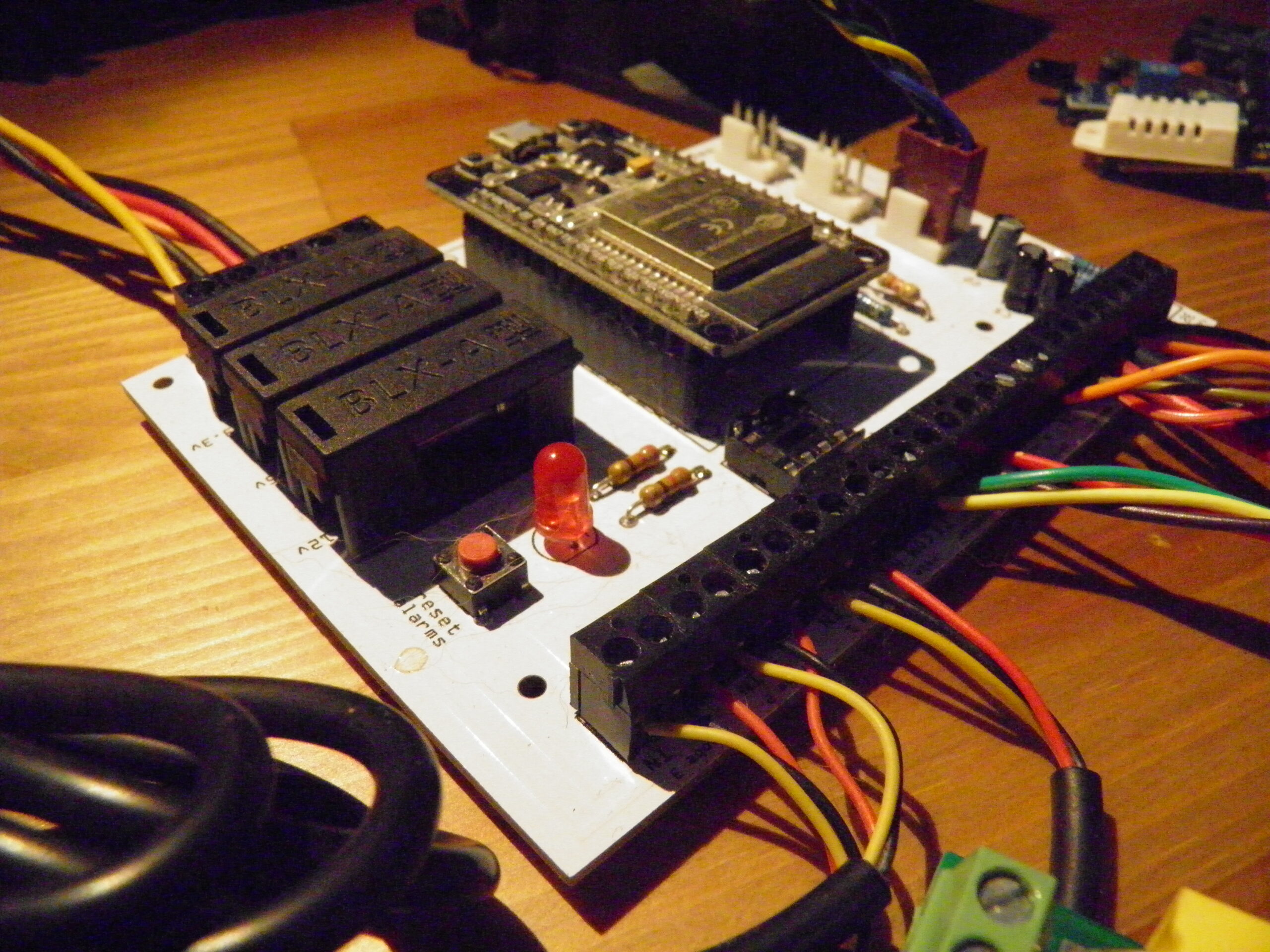
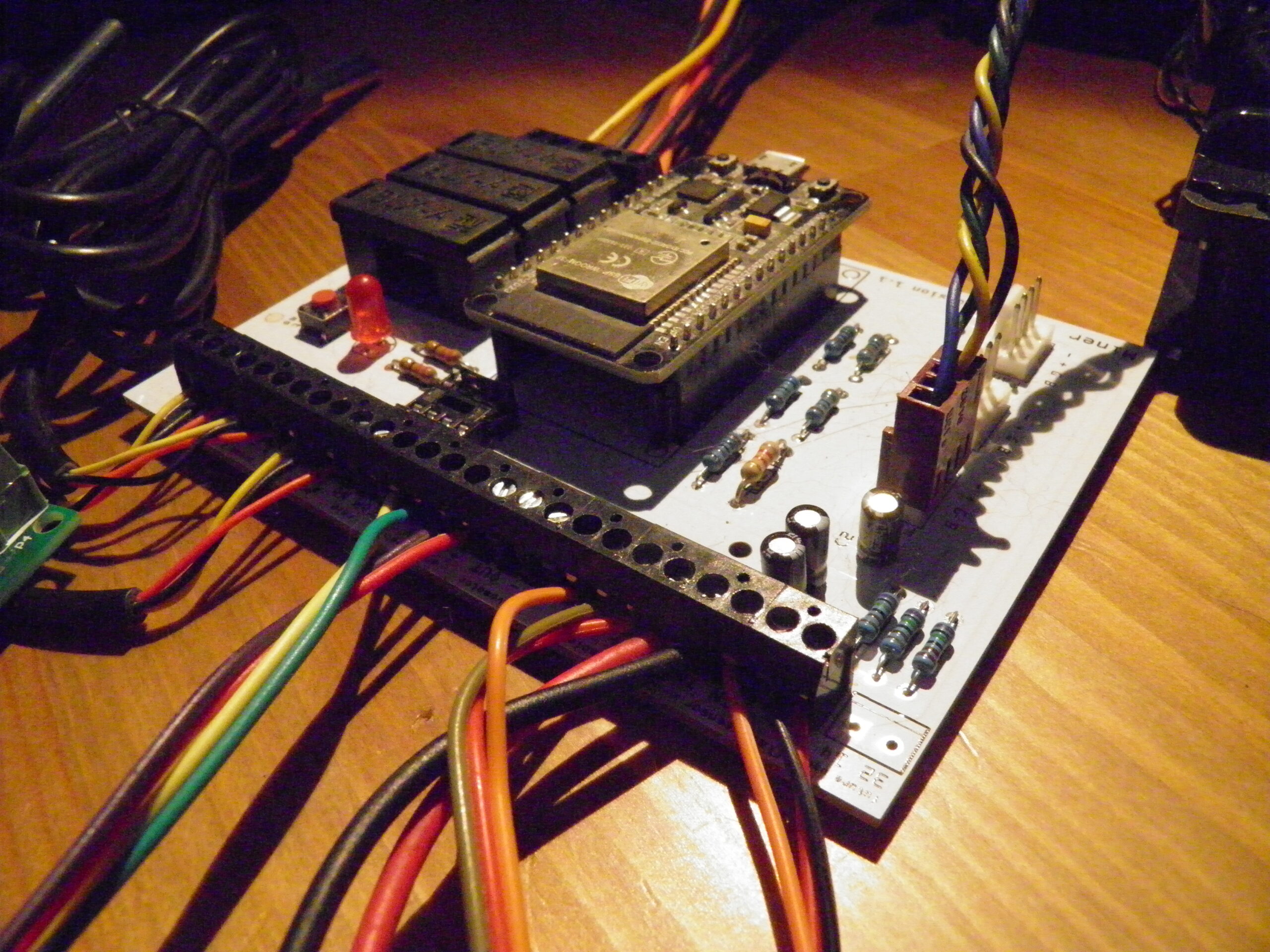
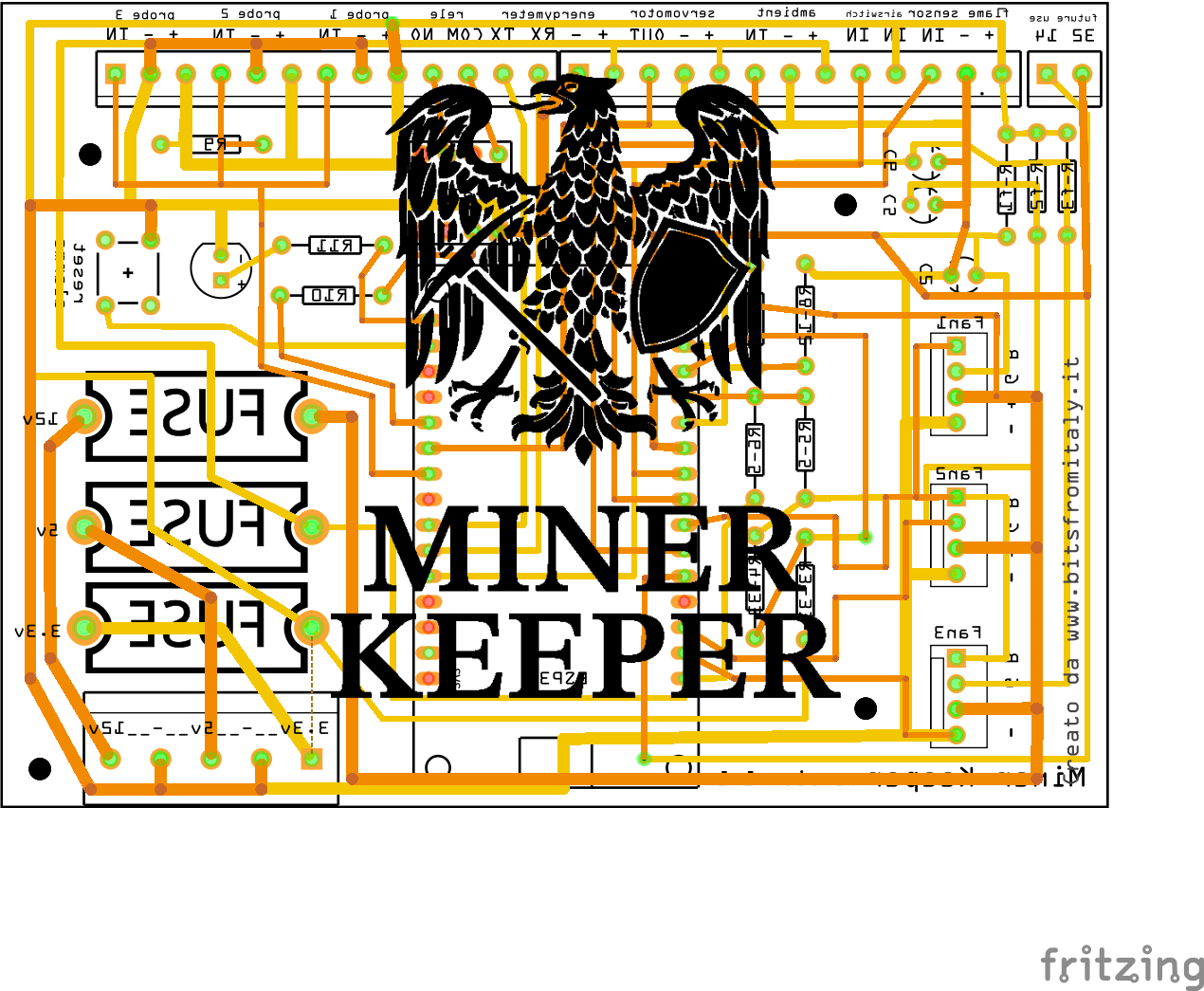
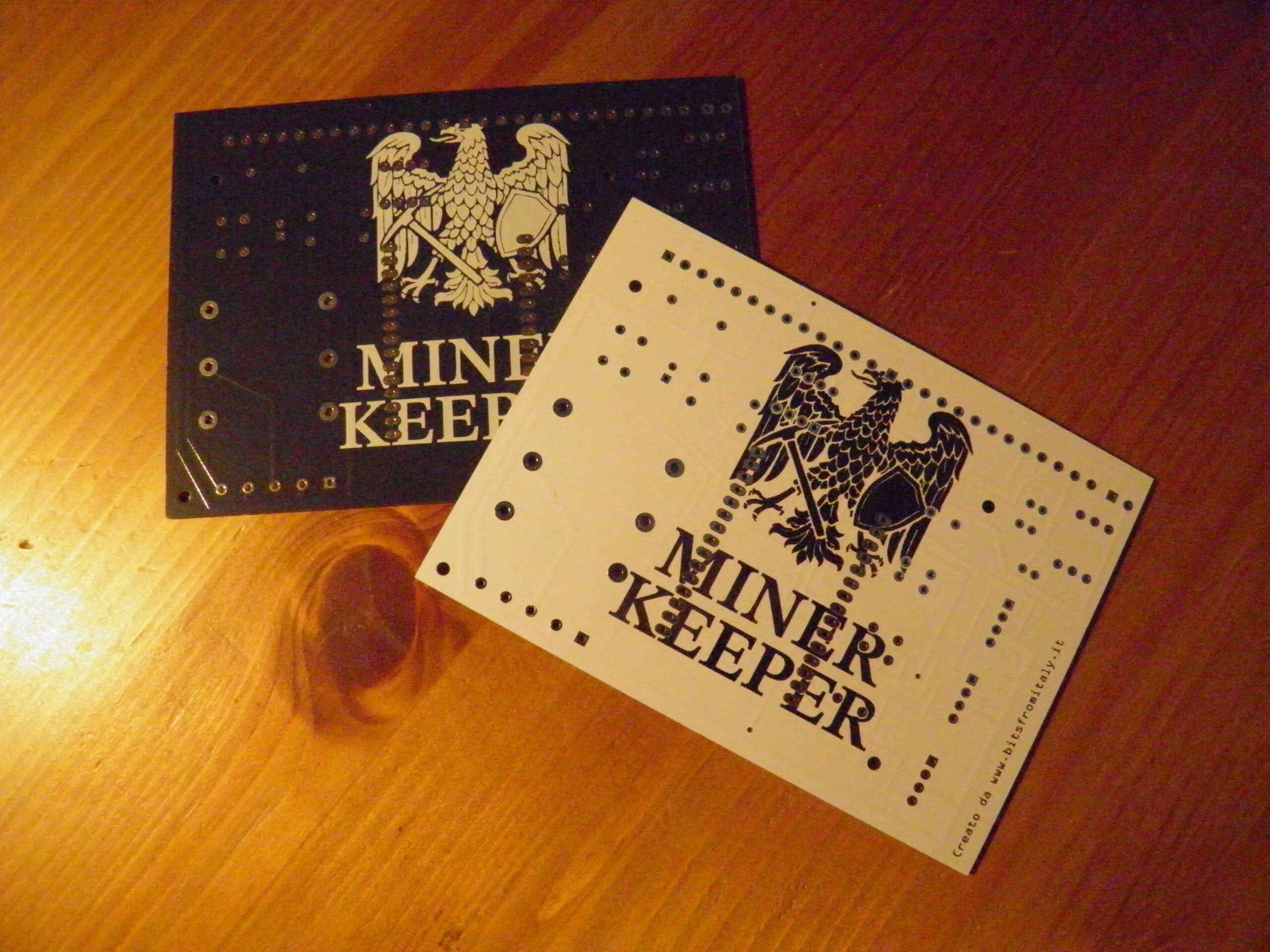
The hardware board has been redesigned to group all sensor connectors on a single side. This allowed for a smaller board size, making it easier to house.
The power connector has been replaced with screw terminals, allowing for the connection of power sources other than those found on ATX power supplies.
The board must be powered by the three voltage rails typically found in a CPU/GPU miner (3.3V, 5V, and 12V). This allows Miner Keeper to continuously monitor operating voltages and issue an alert if any of the supply voltages deviate from the ideal value by more than 5%.
Miner Keeper can power three different fans, controlling their speed and monitoring for correct RPM. An alarm notification is sent if a fan stalls or operates at an incorrect speed.
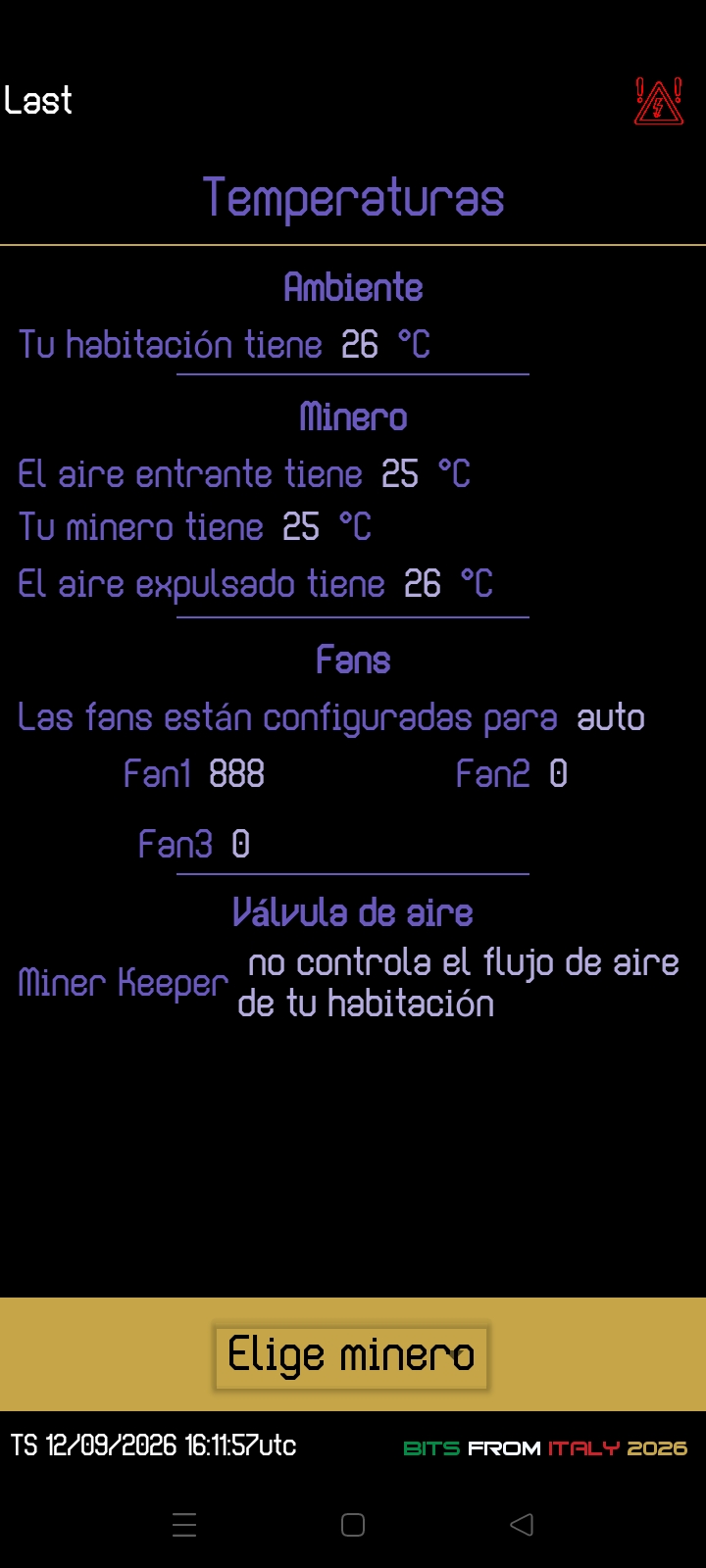
Fan speed is controlled based on the reference temperature selected for the miner (an option available in the app) and read by temperature sensor 2 (GPU air). This allows the fan speed to be kept as low as possible to minimize noise and extend fan lifespan. You can choose to install 1, 2, or 3 fans (an option available in the app) without triggering false alarm alerts.
The ambient temperature probe continuously monitors the actual venting of heat generated by the miner; when paired with a motorized air duct valve (a function activatable via the app), it helps maintain a specific ambient temperature (selectable within the app). If the environment is cold, the motorized valve directs the heat produced by the miner into the room; otherwise, it vents the excess heat. Power to the air valve servomotor is supplied directly by Miner Keeper, which controls its movement.
The energy meter module reads voltage, the current drawn by the miner, power usage, and energy consumption. The energy meter can be reset (a function available in the app) for monthly readings.
A flame sensor is included to prevent overheating or the onset of fire by shutting down the miner. It is also possible to implement the disconnection of an electrical contactor to cut off power to the entire system.
Android app
The graphics have been improved in some areas, and the bottom menu is now more responsive to swipe gestures.
The setup wizard features a cleaner interface; some fields have been added (such as the User API key for ThingSpeak usage), while others have been removed.
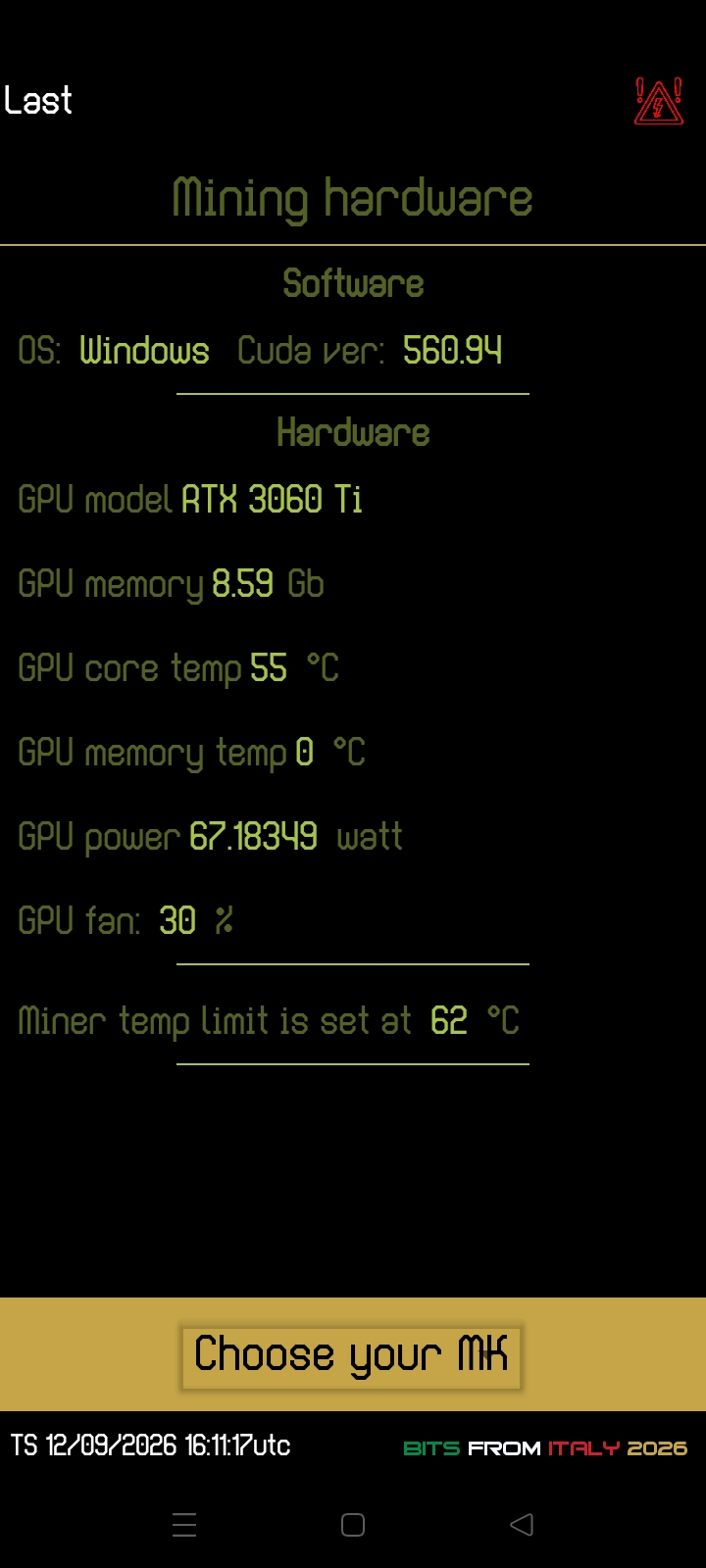
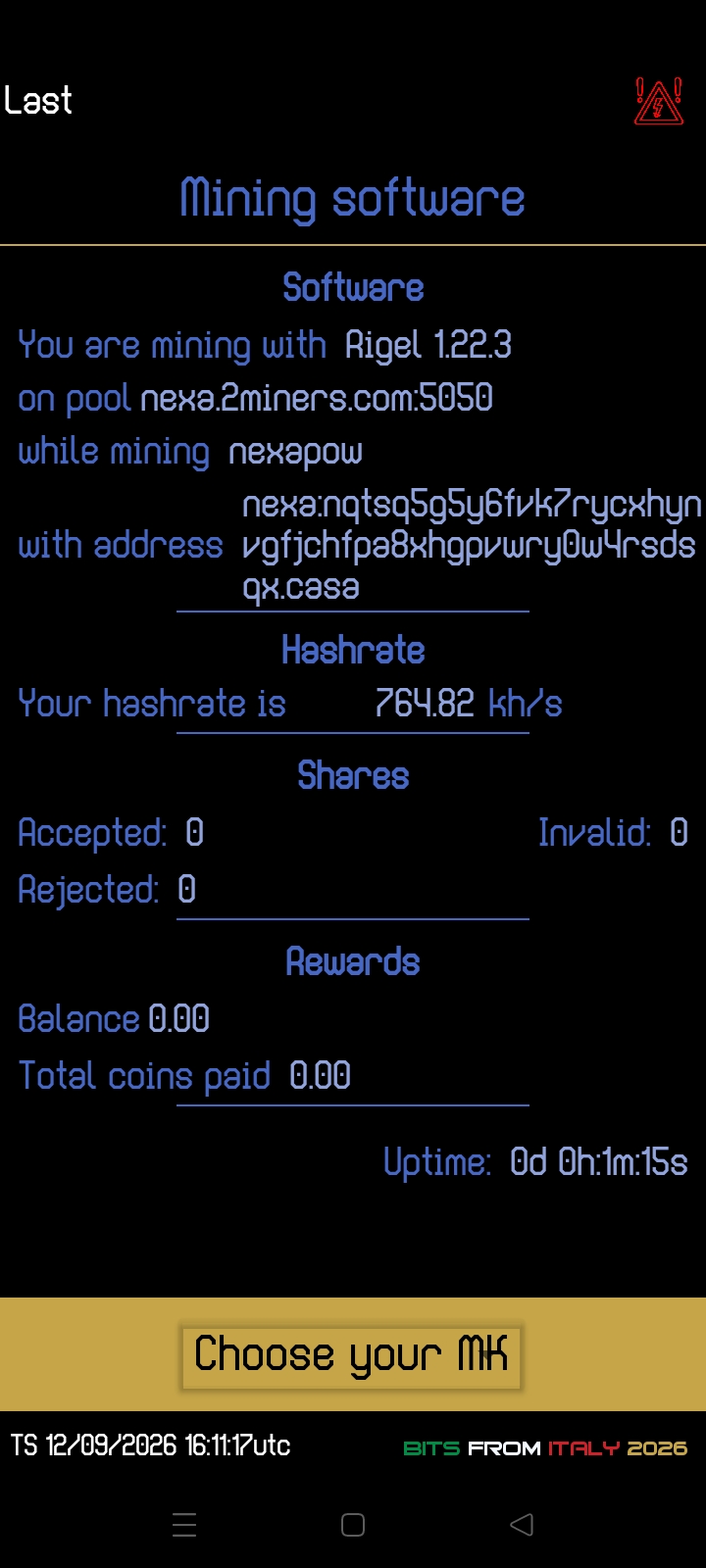
Miner Keeper now queries your miner directly via the mining software’s API to retrieve various hardware data (e.g., GPU temperature, video card fan speed) as well as information regarding the pool you are using (e.g., accepted shares, balance, wallet address).
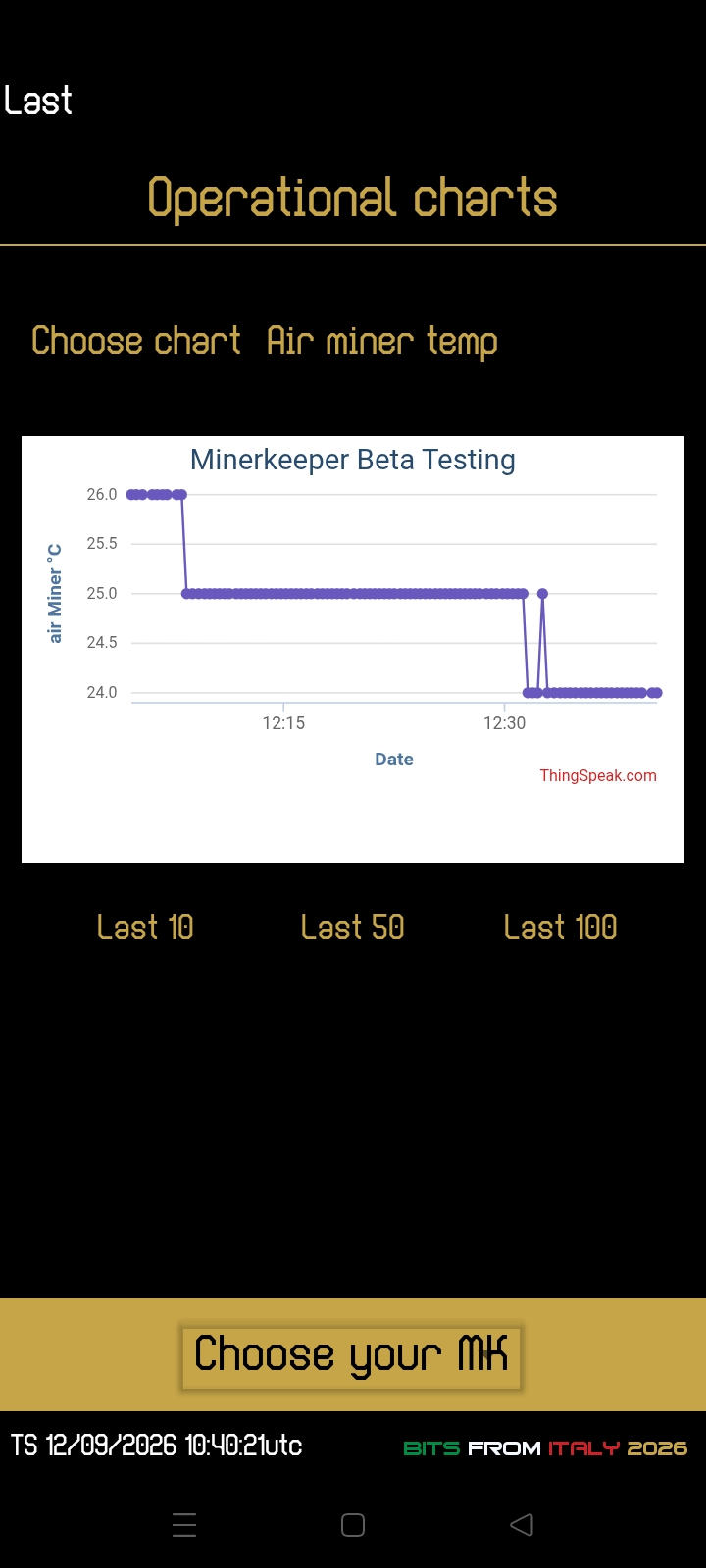
The data display windows have been streamlined. There is no longer a dedicated window for ThingSpeak data; instead, this information is now shown in the main windows. Whether you are connected to the same LAN as your miner or are anywhere else in the world, you will see the same data, provided you have entered your ThingSpeak details. The date and time corresponding to the latest data displayed in the app will appear at the bottom, below the menu.
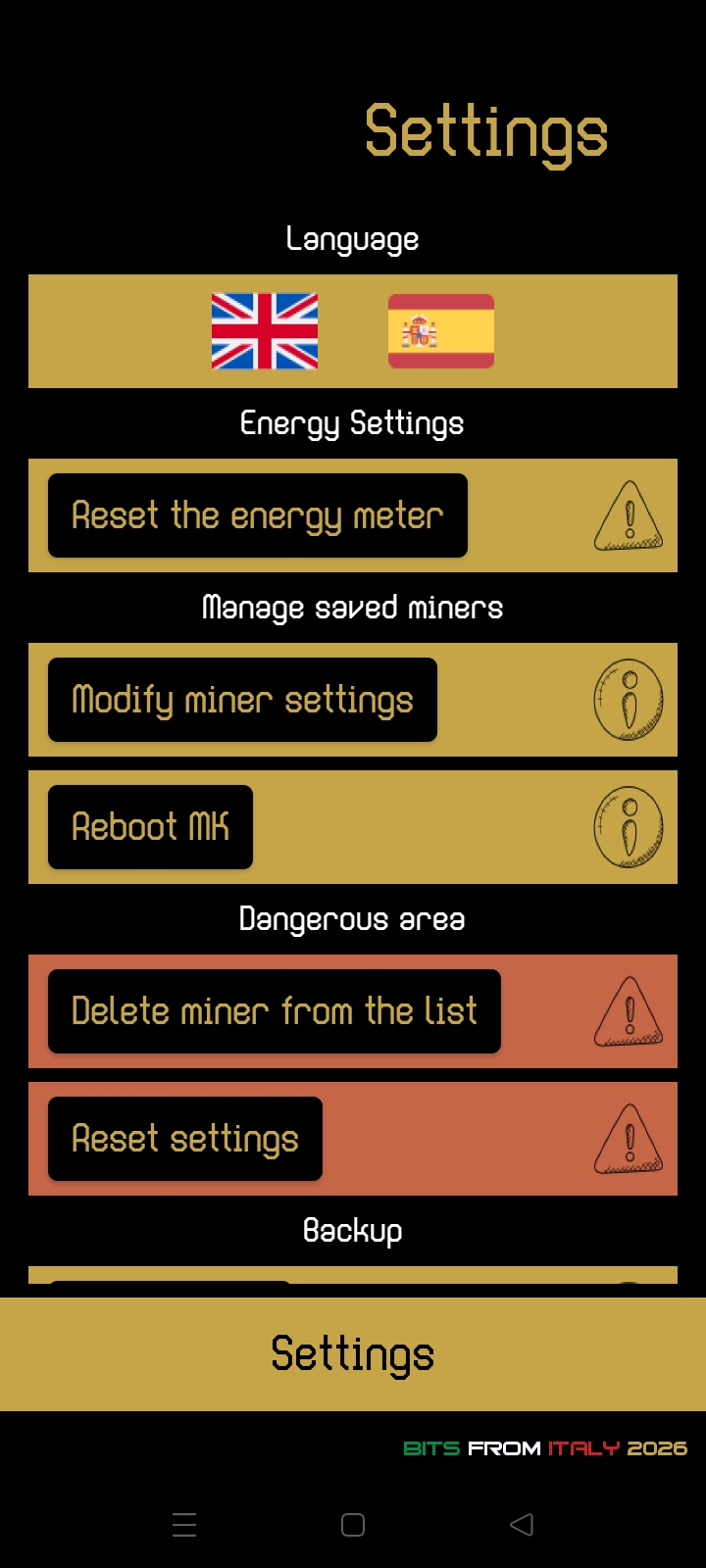
You can add as many MKs as you like and view whatever you wish. To modify an MK’s configuration data, simply select it from the list, go to the options page, and choose “edit miner options.” You can select the display language (English/Spanish) and delete all configurations to reset the app; a settings backup feature has also been added for security or for moving the app to another device (a feature currently being tested).
Want to start assembling your Miner Keeper? Read the dedicated page.


Leave a Reply